Software built to get more from every measurement

A complete ecosystem for every step of your mass photometry workflow: from acquisition to analysis, management and beyond.

Software applications

A complete ecosystem for every step of your workflow.

AcquireMP: capture mass photometry measurements

AcquireMP

Intuitive acquisition software for high-quality mass photometry data.

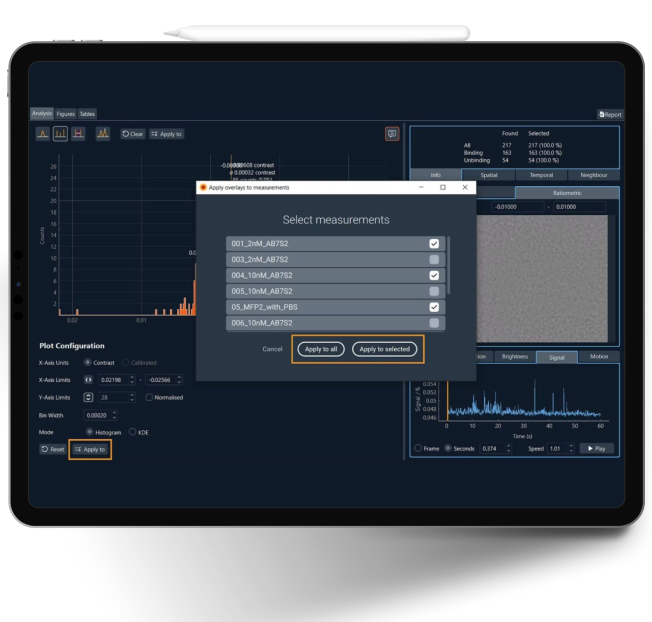
DiscoverMP: analyse mass distributions and reveal insights

DiscoverMP

Powerful data analysis and visualization for clear insights.

EvaluateMPS: system performance and data quality

EvaluateMPS

Monitor system performance and ensure data quality over time.

ManageMP: connected users, data and instruments

ManageMP

Manage users, data and instruments across your organization.

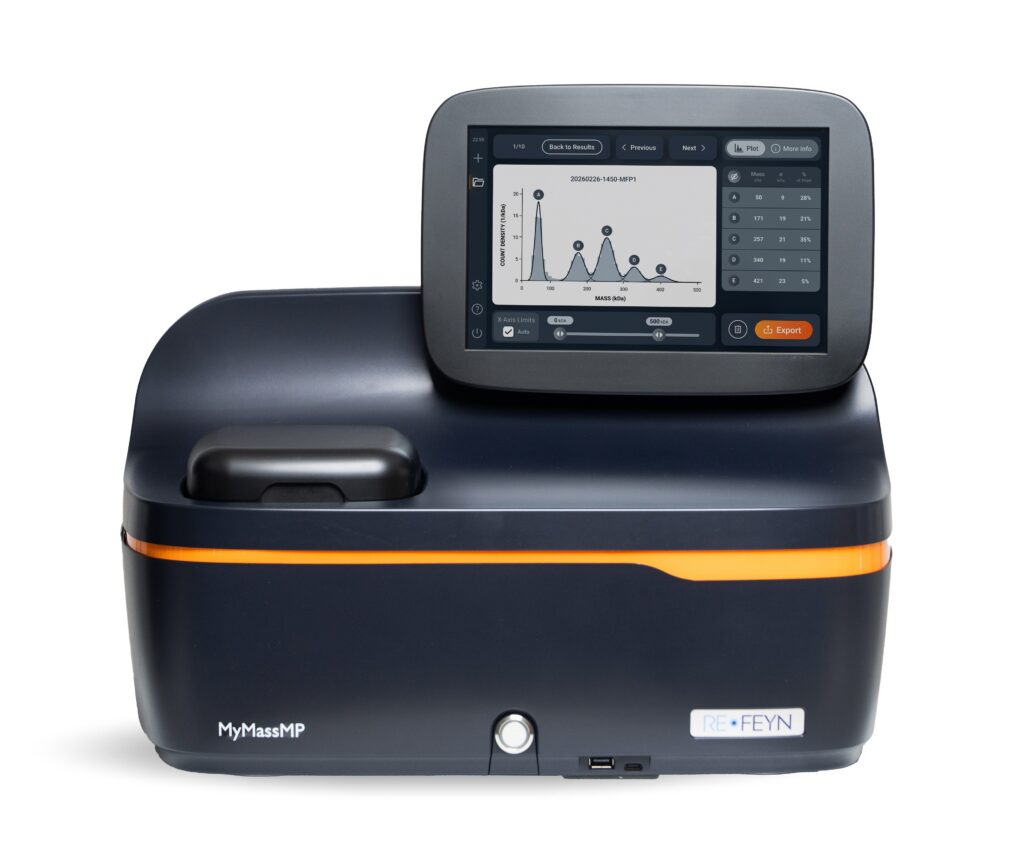
MyMassMP: an integrated software experience

MyMassMP

Integrated software experience on MyMassMP.

StreamlineMP: automate workflows and increase throughput

StreamlineMP

Automate workflows and increase throughput with confidence.

What's new in Refeyn software

Stay current with the latest releases, features, and improvements across the Refeyn software ecosystem.

AcquireMP

2024 R3

This 2024 R3 release of AcquireMP is an update to the previous release (2024 R2). It contains additional bells and whistles, as well as a few whistles we removed because, frankly, they were bells.

What’s new?

  • Real-time “Is it supposed to look like that?” overlay – a first-of-its-kind feature that passively monitors your live histogram and, upon detecting the characteristic shape of a contaminated sample, gently suggests you check your buffer. It does not judge. It just knows.
  • Mass calibration auto-detection via MassFerence® P1 – when a MassFerence P1 calibration is detected, AcquireMP will now automatically apply mass calibration to the analysis preview histogram, because you have better things to do than right-clicking.
  • KaritroMP concentration check improvements – the concentration check has been refined to be less temperamental about your dilution math. It is still a mass photometer, not a calculator, but it is now 15% less likely to silently disagree with you.
  • TwoMP MassFluidix HC: automatic 5-channel chip alignment – because aligning five channels by hand builds character, but we’d rather you build data.
There are no release notes available yet.

Software compatibility

Find the right software for your instrument.

Scroll to compare instruments

Software availability for TwoMP, SamuxMP, KaritroMP and MyMassMP
Software
TwoMP
SamuxMP
KaritroMP
MyMassMP
AcquireMP Included as standard Included as standard Included as standard Included as standard
DiscoverMP Included as standard Included as standard Included as standard Included as standard
StreamlineMP Available as an upgrade Included as standard Not available Available as an upgrade
EvaluateMPS Not available Included as standard Available as an upgrade Not available
ManageMP Available as an upgrade Included as standard Not available Not available
MyMassMP Not available Not available Not available Included as standard
  • Included as standard
  • Available as an upgrade
  • Not available

Not sure which software you need?

Our team can help you find the right solution for your workflow.

Get more from your instrument

See what an upgrade unlocks beyond the software shipped with your system.

Included in base system

Ships with your instrument.

Data acquisition & real-time measurement

Standard mass and count analysis

Core data visualization & export

Basic guided quality-control checks

Single user account

Available in upgrade package

Unlock the full ecosystem.

All from base system and:

Advanced analysis & custom fitting models

Automated acquisition workflows

Higher-throughput / walk-away runs

System performance monitoring

Advanced guided quality-control checks

Multi-user accounts & permissions

Custom reporting & templated exports

Request an upgrade

Our team will guide you through the process.

Already a Refeyn customer?

Find software downloads, release notes and documentation in one place.

Explore software resources

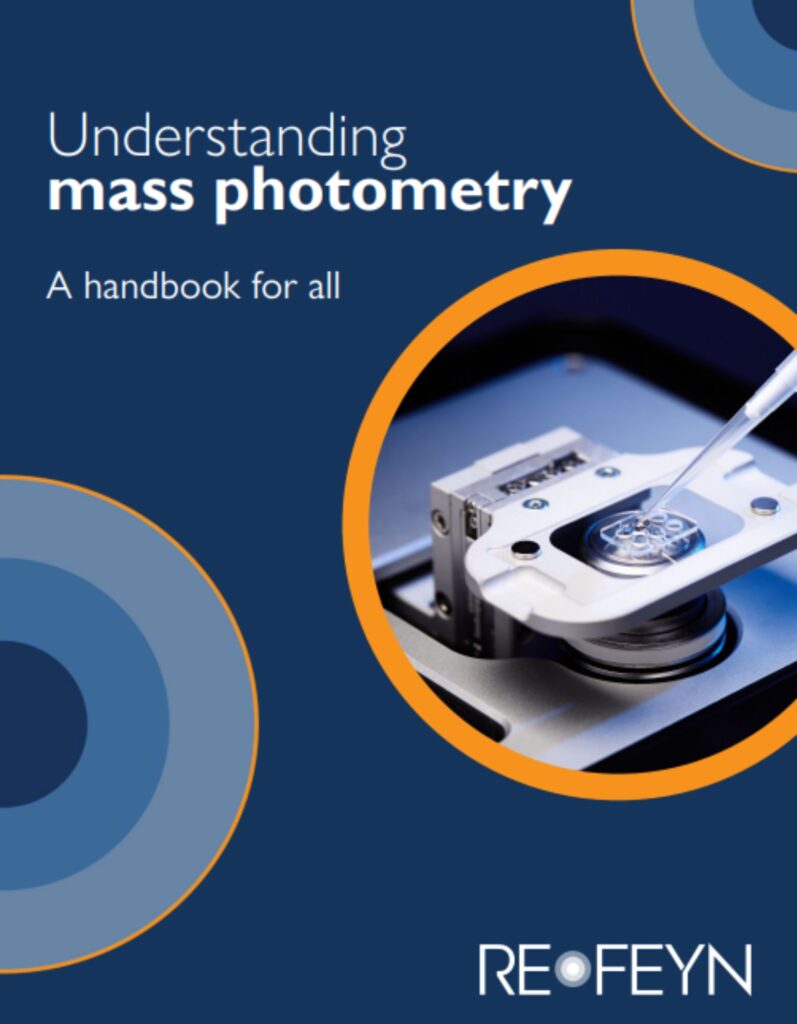
Handbook
Cover of Handbook Mass Photometry

Understanding mass photometry handbook

Curious how mass photometry delivers accurate results – fast? Whether you’re new to the technique or looking to get more from your experiments, our handbook Understanding Mass Photometry is your essential guide.

Webinar

Mass photometry 101 webinar

Curious why mass photometry has been highlighted in over 1,000 scientific publications from leading institutions like GSK, Pfizer, AstraZeneca, Bristol Myers Squibb, Harvard, Columbia, and NIH? Here’s your chance to find out.

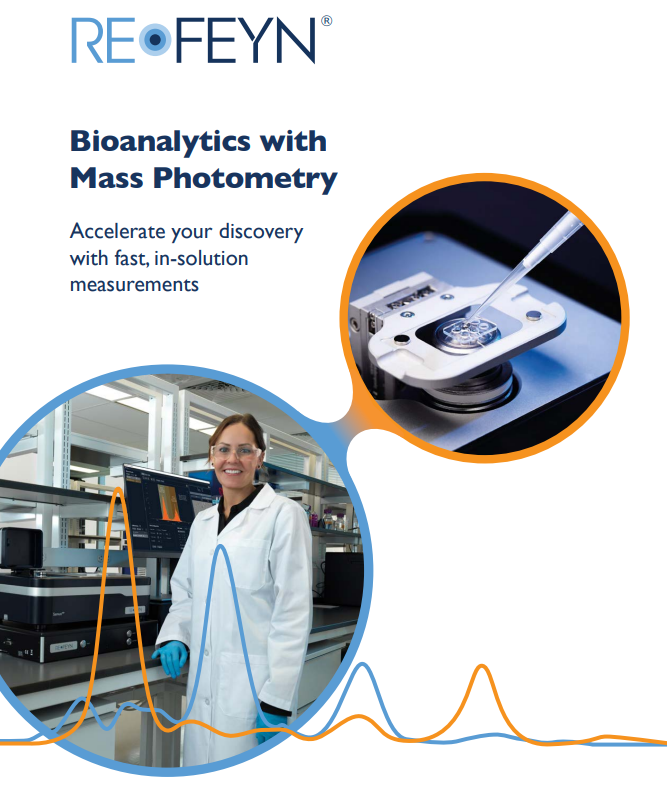
Brochure
New Brochure

Bioanalytics with mass photometry

Explore Refeyn’s brochure to discover how mass photometry transforms discovery and drug development with rapid, label-free insights into purity, interactions, and vector quality.

Join 500+ labs already using Refeyn software

Tell us about your workflow and we’ll recommend the right software.

Frequently asked questions

Which Refeyn software do I need for my mass photometry workflow?

AcquireMP captures your mass photometry measurements, while DiscoverMP helps you analyse and visualise the results. For additional workflow needs, StreamlineMP supports automation, EvaluateMPS monitors system performance, and ManageMP manages users, data and instruments. Use the compatibility table above to explore the options for your instrument, or talk to our team for guidance.

Software upgrades are available for compatible Refeyn instruments, with options for automated acquisition, advanced analysis, system performance monitoring and multi-user management. Available features depend on your instrument and current software package. Contact our team to discuss your workflow and find the right upgrade for your system.

Existing customers can find software downloads, release notes and documentation in the Refeyn Software Hub. Visit the Hub to explore available releases and guidance for your system. If you need help choosing the correct version or upgrading your software, contact our technical support team.